


 Oct 19, 2026
 View:18
SEG Graphic Template: Lines Explained
Preparing artwork for an SEG light box? Understanding the colored reference lines in your graphic template is essential for accurate printing, sewing, and installation.
At Lintel Display, our SEG graphic templates use three colored lines to identify the safety zone, finished visible area, and silicone keder sewing position.
Here's what each line means and how to avoid common artwork preparation mistakes.
What Do the Three Lines Mean on an SEG Graphic Template?
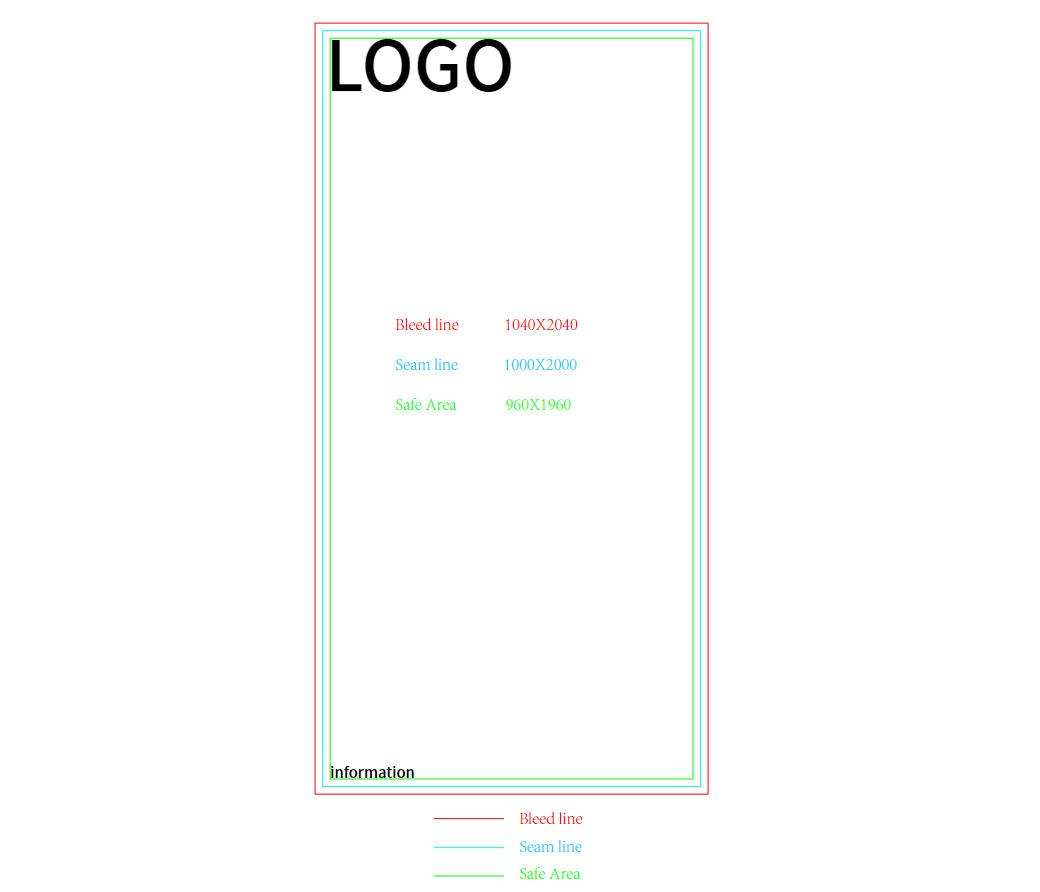
Green Line – Safety Zone
The green line indicates the safe area for important design elements.
Keep all logos, text, QR codes, and essential visual information inside this boundary.
This prevents important content from being positioned too close to the frame edge, where it could become partially hidden after installation.
Key rule: Keep all important content inside the green safety zone.
Blue Line – Finished Visible Area
The blue line represents the finished visible size of the SEG graphic after installation.
This is the actual graphic area visible from the front of the light box.
Fabric outside this boundary is used for installation and is generally concealed by the frame structure.
Key rule: The blue line defines the visible display area, not the full printed fabric size.
Red Line – Silicone Keder Sewing Line
The red line marks where the silicone keder is sewn onto the fabric graphic.
The silicone keder is inserted into the groove of the light box frame, securing the fabric and creating a smooth, tensioned graphic surface.
The fabric between the blue visible boundary and the red sewing line is used for mounting and is generally hidden inside the frame.
Key rule: Follow the red line for silicone keder placement. Do not assume it is the fabric cutting line.
Two Common SEG Artwork Mistakes to Avoid
1. Background Artwork Does Not Extend Far Enough
Problem: The background image or color stops at the blue visible boundary.
Result: White or unprinted edges may become visible after the fabric is installed.
Solution: Extend all background colors, images, and gradients to the outer red sewing line in the supplied Lintel Display template, following any additional bleed or cutting instructions provided.
This helps maintain a continuous graphic appearance after installation.
2. Logos or Text Are Too Close to the Frame
Problem: Important text or logos are placed directly against the blue visible boundary.
Result: Some content may appear too close to the edge or become partially concealed during installation.
Solution: Keep all essential information inside the green safety zone.
This is especially important for logos, contact information, QR codes, and small text.
SEG Artwork Checklist Before Printing
Before sending your SEG artwork for production, check the following:
Safety Zone: All logos, text, and QR codes remain inside the green line.
Visible Area: The main design is correctly positioned within the blue boundary.
Background Extension: Background colors and images extend to the required outer boundary.
Sewing Reference: The red line is correctly identified as the silicone keder sewing position.
Artwork Dimensions: The file matches the dimensions specified in the supplied template.
Final Print File: Reference lines are not included in the printed artwork unless specifically required by the production team.
Important: Safety margins, sewing allowances, and cutting dimensions may vary depending on the SEG frame system and fabric specifications. Always use the template supplied for your specific product.
Frequently Asked Questions
What is the safety zone in an SEG graphic template?
The safety zone is the area where important artwork elements should be placed. In Lintel Display templates, it is marked by the green line to help prevent logos and text from being hidden by the frame.
Is the finished visible size the same as the fabric printing size?
No. The finished visible size refers to the graphic area seen after installation. The full fabric includes additional material required for sewing and mounting the silicone keder.
Why does my SEG graphic show white edges after installation?
One possible cause is insufficient background extension. If the printed background stops at the visible boundary rather than extending into the required mounting area, unprinted fabric may become visible.
Explore Lintel Display SEG Light Box Solutions
Properly prepared SEG graphics help achieve clean edges, accurate fitting, and a professional display appearance.
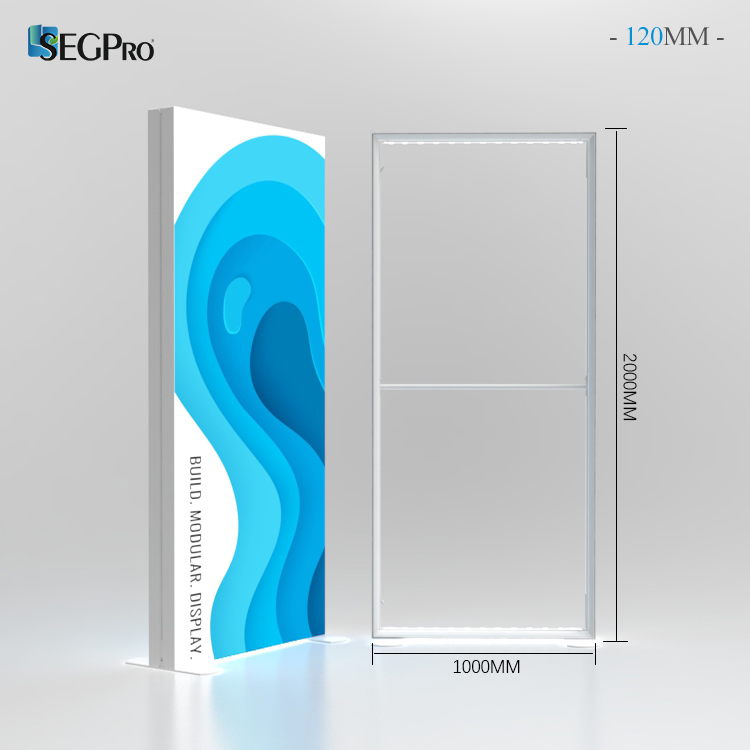
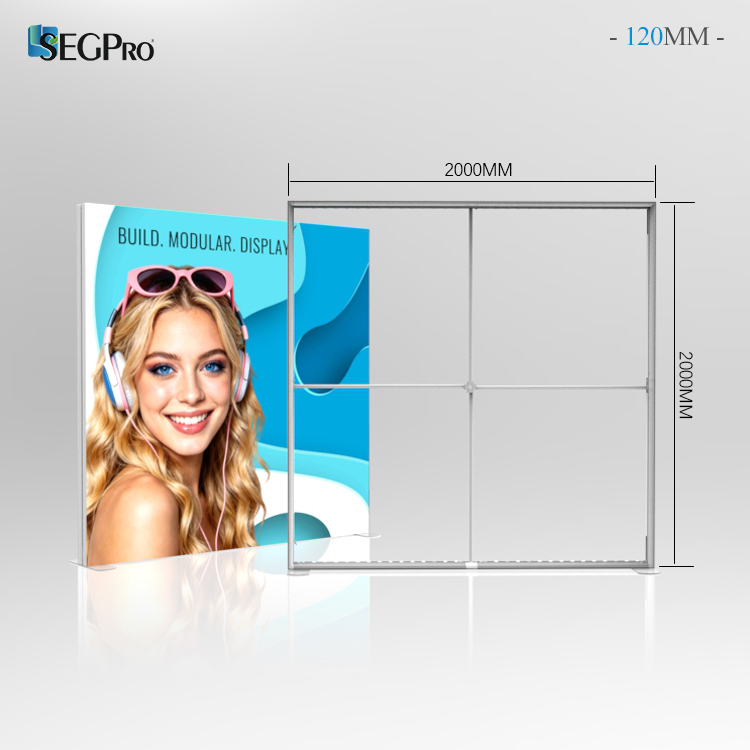
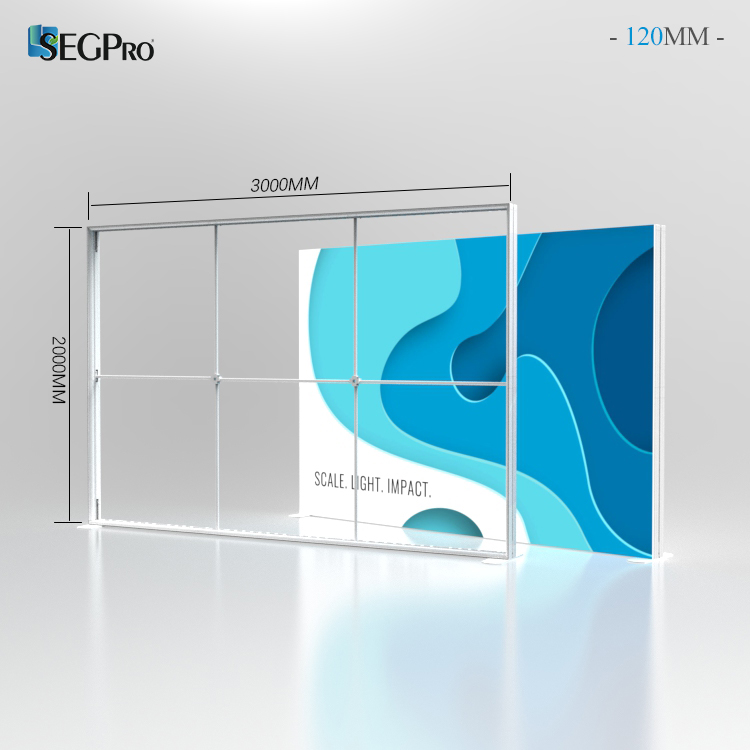
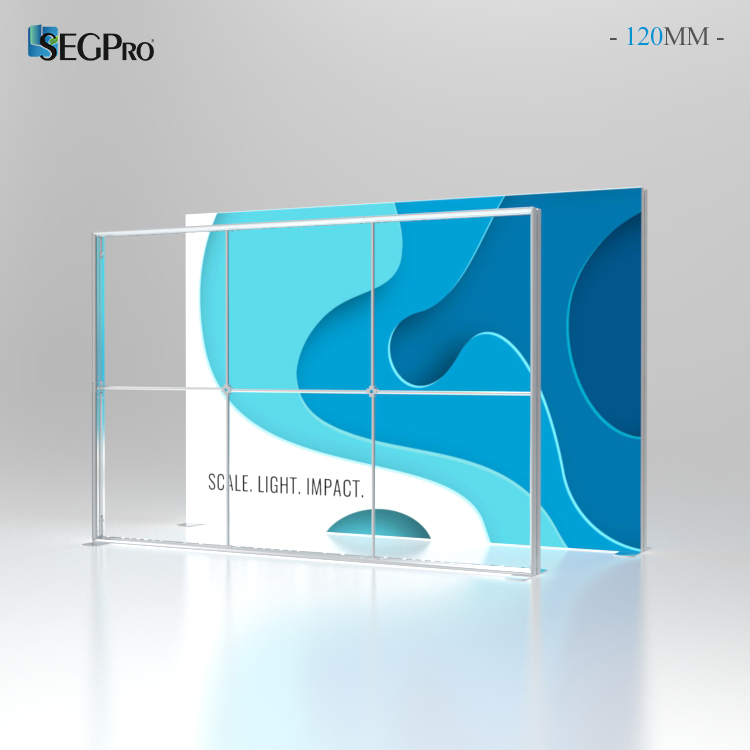
Lintel Display offers SEGPRO® Light Box Systems for exhibitions, retail environments, and commercial display applications.
Our SEGPRO® Modular Light Boxes feature reusable structures and replaceable silicone-edge fabric graphics, allowing customers to update printed visuals for different campaigns and projects.
Need an SEG Graphic Template?
Preparing artwork for an upcoming SEG light box project?
Contact our team for product-specific graphic templates, printing requirements, and technical guidance.